How to Use a 3x3 Scramble Generator for Better Practice
Reviewed by CuberPal Editorial Team · Updated 2026-07-16 · Practice with purpose learning path
Quick answer
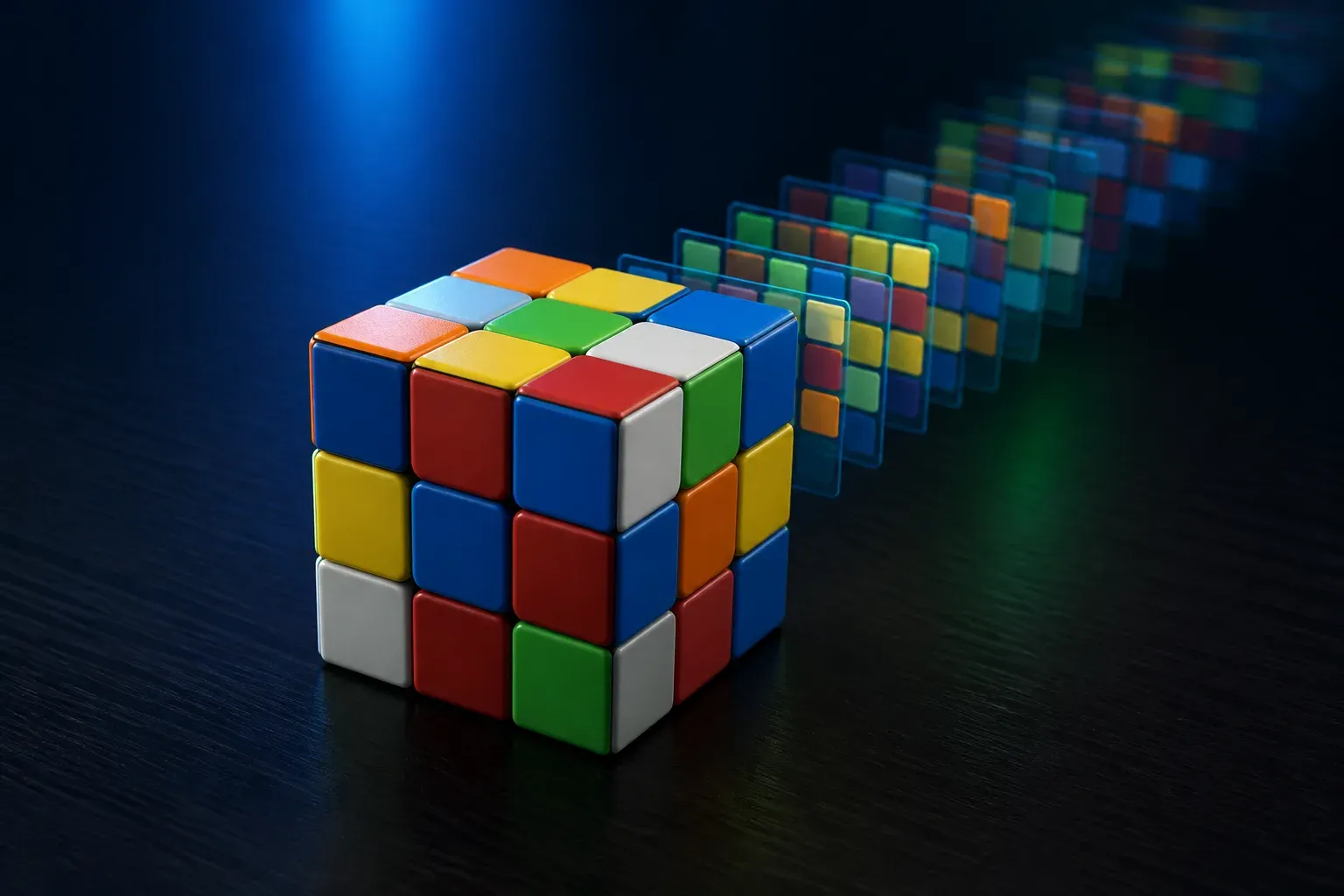
Use a 3x3 scramble generator when you want fresh, unbiased starting positions for timed solves and drills. Apply one scramble carefully, inspect it with the same routine you use in competition, and pair it with a timer or recorded solve so the scramble becomes practice evidence rather than a random sequence of moves.
A scramble generator may seem like the least interesting part of speedcubing practice, but it protects the quality of your results. Repeating convenient scrambles or improvising turns can make averages look better without improving the skills that transfer to normal solves.
The useful question is not whether a scramble is hard. It is whether you apply it accurately, use it to practice the right routine, and collect a result you can compare with later sessions.
Apply each scramble accurately
Read notation deliberately and keep the same cube orientation while applying the sequence. If you lose your place, reset or use the generator again instead of guessing the missing move. A clean starting state matters more than saving a few seconds before the solve.
Use notation fluency as a small practice benefit. Moves, primes, double turns, and rotations should be readable enough that applying a scramble does not become the most error-prone part of the session.
Pair scrambles with a specific practice mode
For averages, use a fresh scramble for each timed solve and keep inspection settings consistent. For cross planning, generate a scramble, take a full inspection, and rehearse only the cross before resetting and trying another one.
For analysis, a generated scramble provides a normal starting position for a recorded solve. The goal is then to find patterns that repeat across several different cases, not to optimize a single favorable scramble.
Keep the data honest
Do not discard a scramble simply because it produced an awkward F2L or an unfamiliar last layer. Those cases are part of what an average measures. If a scramble was applied incorrectly, mark the solve as invalid and generate a new one rather than including a misleading time.
Over time, fresh scrambles make ao5, ao12, and larger averages more useful for deciding whether a training change helped.
Generate 3x3 scrambles in CuberPal
CuberPal includes fresh scrambles inside the timer so scramble, inspection, timing, and review remain in one training workflow.
- Choose 3x3 in the timer and apply the displayed scramble carefully.
- Enable WCA-style inspection when you want competition-relevant cross-planning practice.
- Start the timer only after the scramble has been applied and the cube is ready.
- Use ao5, ao12, and ao100 to compare sessions rather than judging improvement from one solve.
- Record a representative scramble when you want AI solve analysis or a coaching recommendation.
Turn this into practice
Use CuberPal to connect these steps to solve analysis, focused drills, lessons, and spaced repetition.
Download CuberPal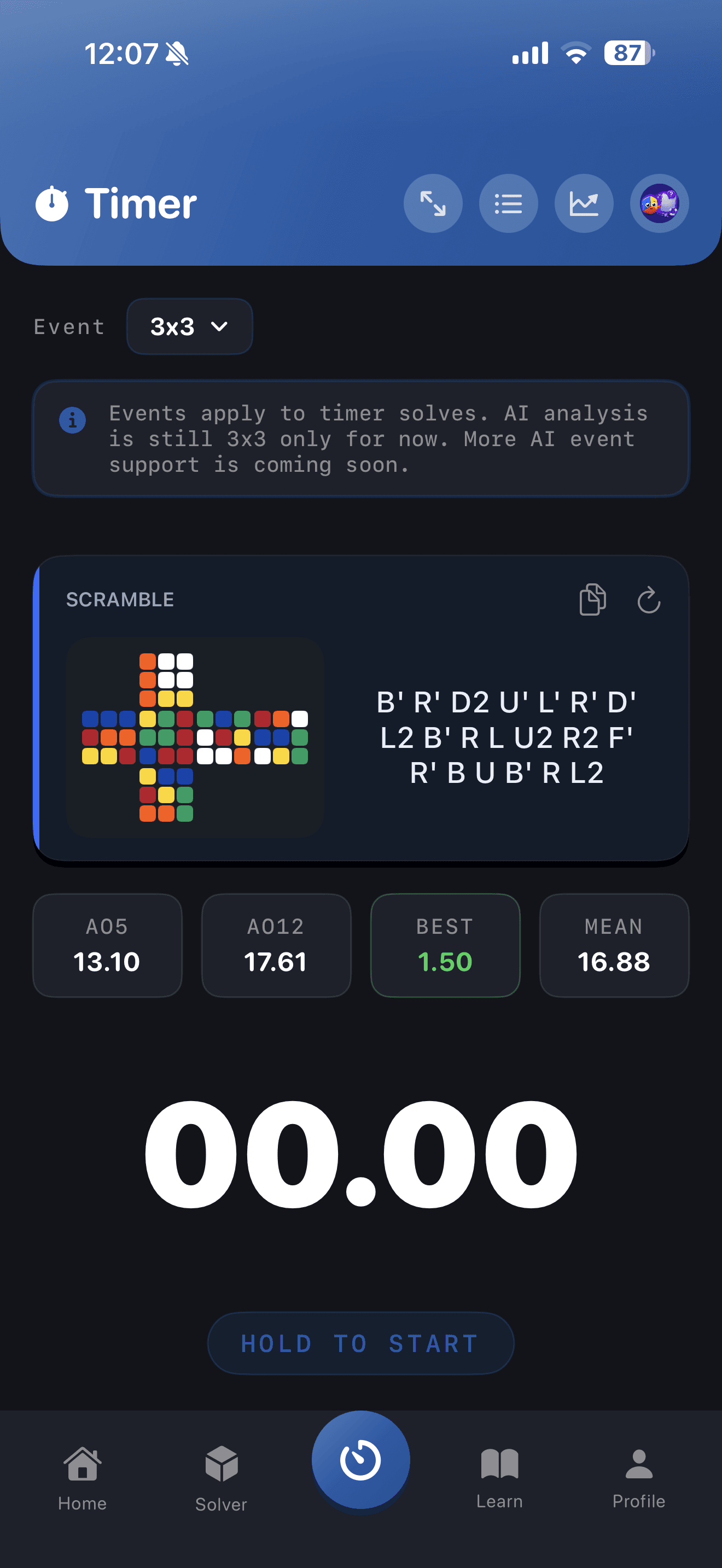
Frequently asked questions
Can I use the same scramble again for practice?▾
Yes, when you are deliberately drilling a solution or cross plan. For normal averages, use fresh scrambles so the results reflect your general solving rather than familiarity with one case.
Do I need a scramble generator for casual cubing?▾
No, but it becomes valuable once you track averages or compare practice sessions. Fresh scrambles make those measurements more meaningful and make inspection practice repeatable.
What if I apply a scramble incorrectly?▾
Reset and apply a new scramble if you are unsure. Including a solve from an unknown state makes the time and any analysis harder to interpret.
Sources and fact checks
- World Cube Association Regulations — Official source for inspection timing, penalties, result formats, and competition scramble procedures.
- Apple App Store: Cubing Timer & Coach: CuberPal — Current product listing for CuberPal timer, analysis, coaching, algorithm practice, and cube-solver capabilities.