
The Best Cube Timer App for iOS and Android
Quick answer
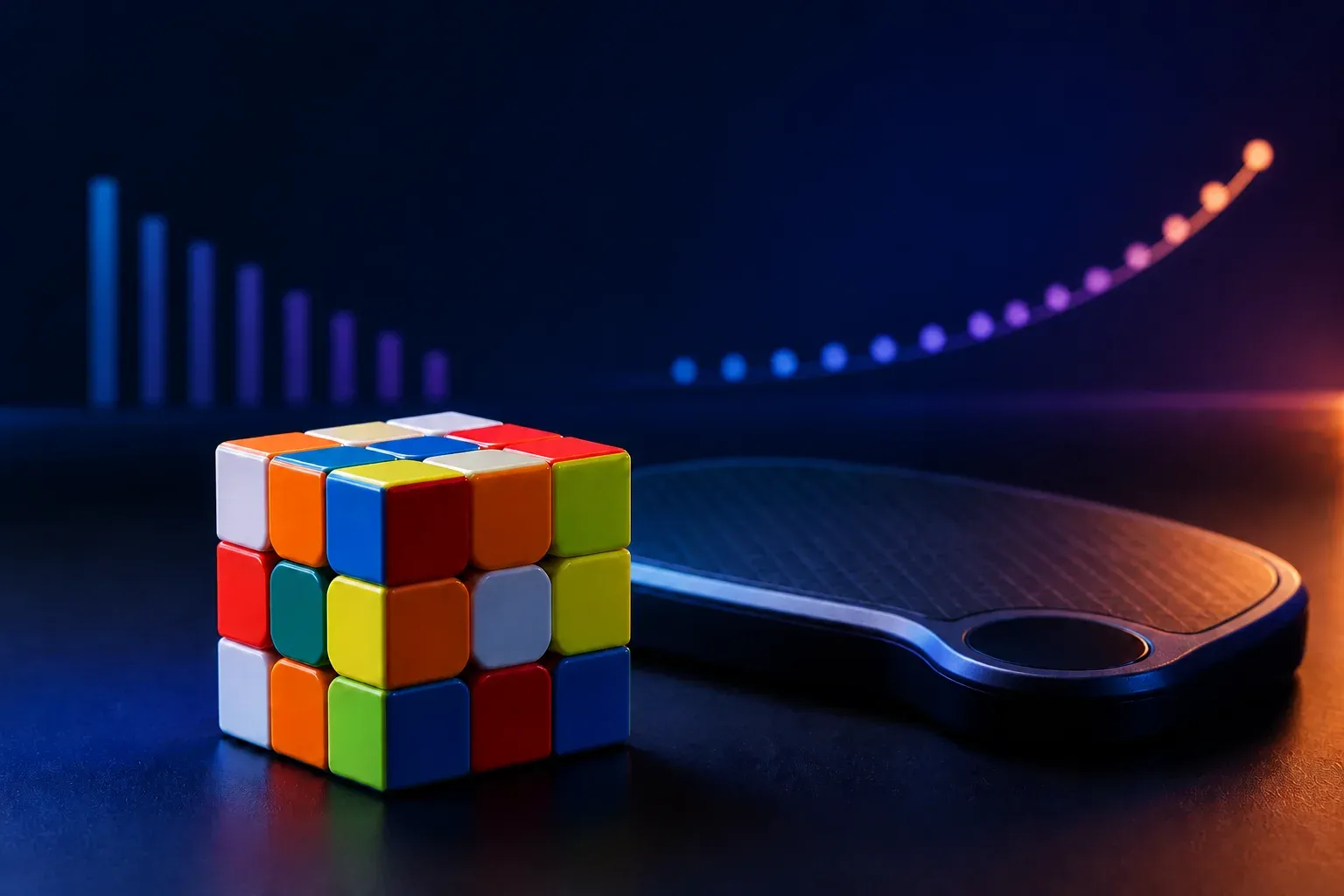
A serious cube timer app needs WCA-style inspection, quality random scrambles with a preview, automatic ao5/ao12/ao100 tracking, per-event history (3x3, 2x2, 4x4, 5x5, OH), and full offline support. CuberPal combines those tools with AI solve analysis and coaching that tell you why your times are what they are.
On this pageThe non-negotiables of a cube timer
Every speedcuber lives in their timer. It is where PBs happen, where averages grind down, and where practice either gets structured or stays random. So the choice matters more than it seems.
Here is the honest checklist for judging any cube timer, and where a coaching timer changes the game.
The non-negotiables of a cube timer
- WCA-style inspection — a 15-second countdown before the solve, matching competition rules, so home practice transfers to comp.
- Proper scrambles with preview — random-state scrambles and a cube diagram to verify you scrambled correctly.
- Rolling averages — ao5, ao12, ao100 computed automatically (best and worst trimmed), plus session mean and PB tracking.
- Hold-to-start — the competition-standard touch behavior that prevents false starts.
- Offline everything — timers must work in a basement comp venue with zero bars.
The features that separate good from great
Multi-event support matters as soon as you touch a 2x2 or 4x4: each event needs its own scrambles, history, and averages so your 3x3 ao12 is not polluted by big-cube times. Solve history with trend charts turns months of practice into a visible trajectory — watching the ao100 line slide down is the best motivation in cubing.
Cloud backup is the quiet essential: a timer that loses two years of solve history to a phone upgrade is a tragedy that plenty of cubers have lived.
The gap in every classic timer: they count, but cannot coach
csTimer, CubeTime, and the other established timers are excellent stopwatches. But they all share the same ceiling: they tell you what you got, never why. A 22-second solve gets logged identically whether you lost time to a bad cross, three F2L pauses, or a fumbled G perm.
That is the layer CuberPal adds. The timer is fully WCA-style — and when you want answers, you record a solve and the AI breaks it into phases, finds the pauses, and tells you what to practice. A timer that closes the loop between measuring and improving.
Why CuberPal is the cube timer to beat
Everything on the checklist, plus the coaching layer on top:
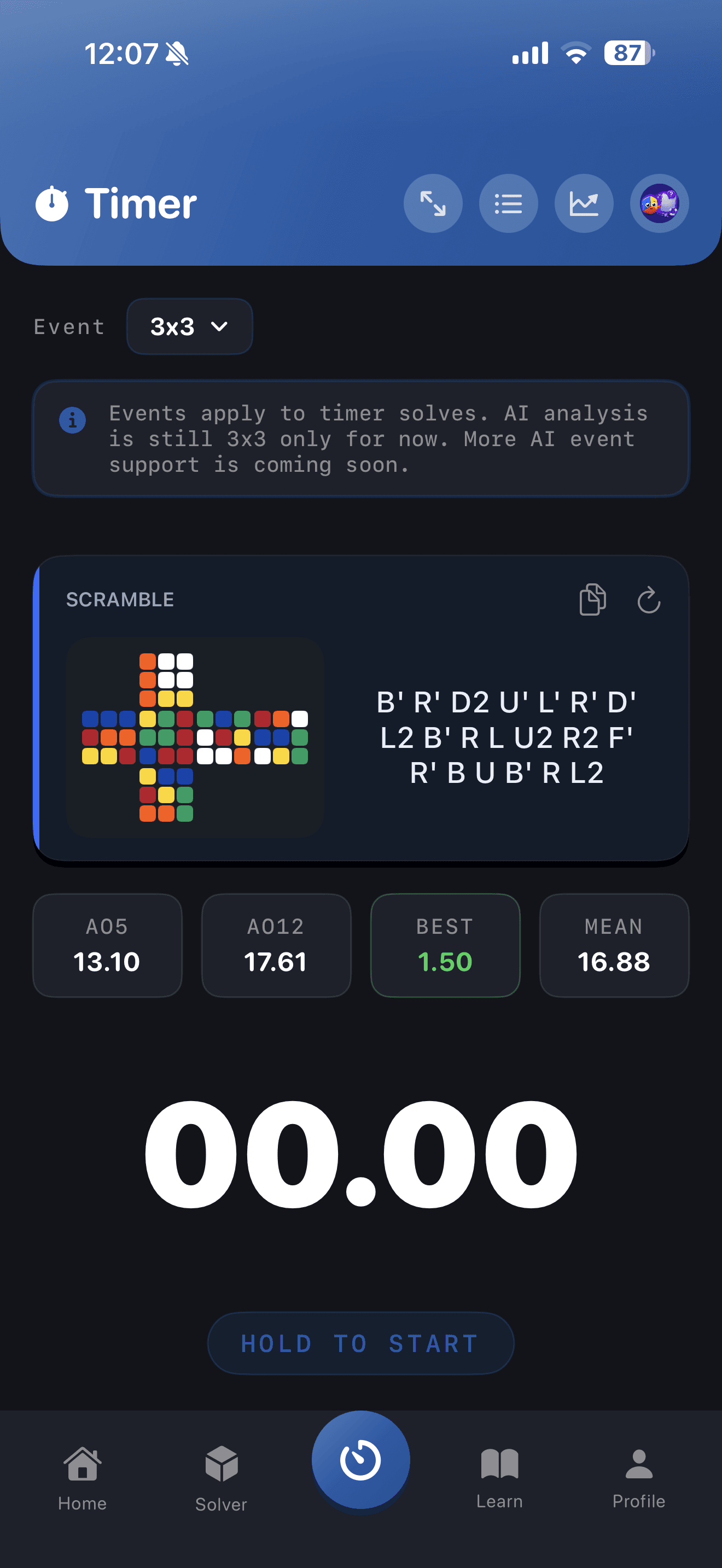
- WCA-style timer with inspection countdown, hold-to-start, and random scrambles with a visual preview — works fully offline.
- Timer support for 3x3, 2x2, one-handed, 4x4, and 5x5, with event-specific history and stats so averages stay separated.
- Automatic ao5, ao12, ao100, session means, and PB tracking with solves-over-time charts.
- Use a CuberPal subscription for AI phase analysis — Cross, F2L, OLL, and PLL timings with detected pauses.
- Your solve history syncs to your account, so a new phone never costs you your stats.
Turn this into practice
Use CuberPal to connect these steps to solve analysis, focused drills, lessons, and spaced repetition.
Frequently asked questions
What CuberPal subscriptions are available?
CuberPal Premium: $6.99/week, $9.99/month, or $49.99/year. Yearly saves about 58% compared with twelve monthly payments.
Does the timer work offline?
Yes — timing, scrambles, and stats work completely offline. Solves save locally and sync when you reconnect. Only AI analysis and the cube solver need a connection.
Which events does the timer support?
The timer supports 3x3, 2x2, 4x4, 5x5, and one-handed (OH), each with event-aware scrambles, cube previews, and separate history and averages. AI video analysis currently supports 3x3 solves.
Sources and fact checks
- [1]World Cube Association Regulations — Official source for inspection timing, penalties, result formats, and competition scramble procedures.
- [2]Apple App Store: Cubing Timer & Coach: CuberPal — Current product listing for CuberPal timer, analysis, coaching, algorithm practice, and cube-solver capabilities.