
Rubik's Cube Solver: Scan Any Scramble, Solve It Step by Step
Quick answer
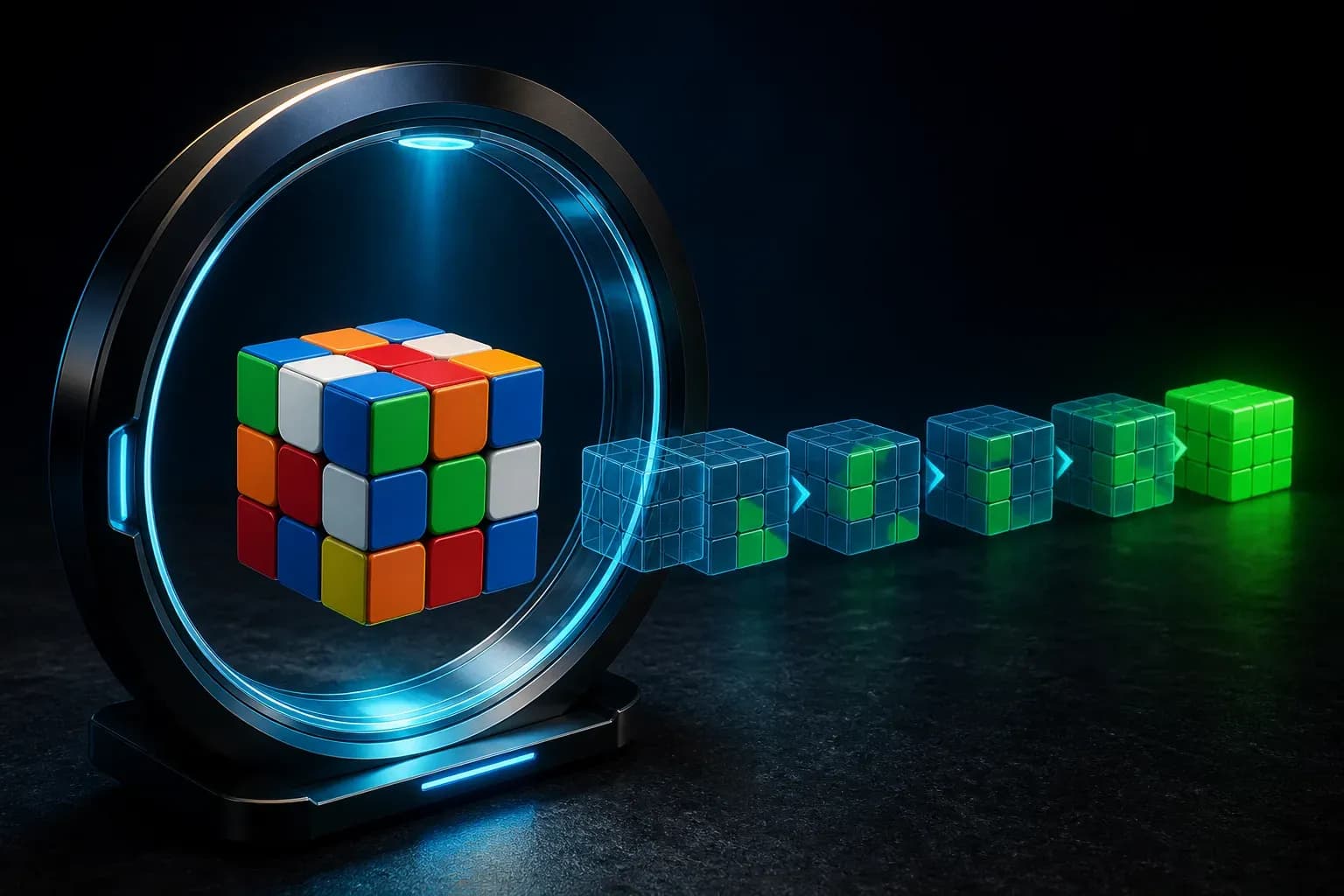
The fastest way to fix a scrambled Rubik's Cube is a camera-based solver app: scan all six faces with your phone, confirm the colors, and follow the generated step-by-step solution. A guided scan takes under a minute and works from any scramble — no notation knowledge required to start.
On this pageHow a camera cube solver works
Someone scrambled your cube — or you got three-quarters through a solution and everything fell apart. You do not need to peel the stickers off. A solver app reads your cube with the camera and walks you through the exact moves to fix it.
Here is how camera cube solvers work, what makes a good one, and how to turn "the app solved it" into "I can solve it myself".
How a camera cube solver works
The app needs to know where all 54 stickers are. A guided scan shows you which face to present next ("show the red face — keep white on top") and uses computer vision to detect the nine sticker colors per face. Good apps let you verify with a color picker, because lighting can make orange and red ambiguous.
Once the cube state is captured, a solving algorithm computes an efficient solution — typically around 20 moves — and presents it move by move so you can follow along on your physical cube.
What separates a good solver from a frustrating one
- Guided scanning — the app tells you exactly how to hold and rotate the cube between faces, so scans do not silently come out wrong.
- Color verification — tap any mis-detected sticker and correct it before solving; essential in imperfect lighting.
- Clear step-by-step playback — one move at a time with a visual of the turn, not a wall of notation.
- Validity checking — a real cube state detector rejects impossible scans instead of producing a broken solution.
From "it solved my cube" to "I solve my cube"
A solver fixes the immediate problem, but the fun is learning to do it yourself. The beginner layer-by-layer method takes most people a weekend to learn: white cross, first-layer corners, middle edges, then the last layer in stages.
The ideal tool pairs the solver with structured lessons — use the solver when you are stuck, and the lessons to make sure you need it less each week. From there, the CFOP method is the road to real speed.
Solving any scramble with CuberPal
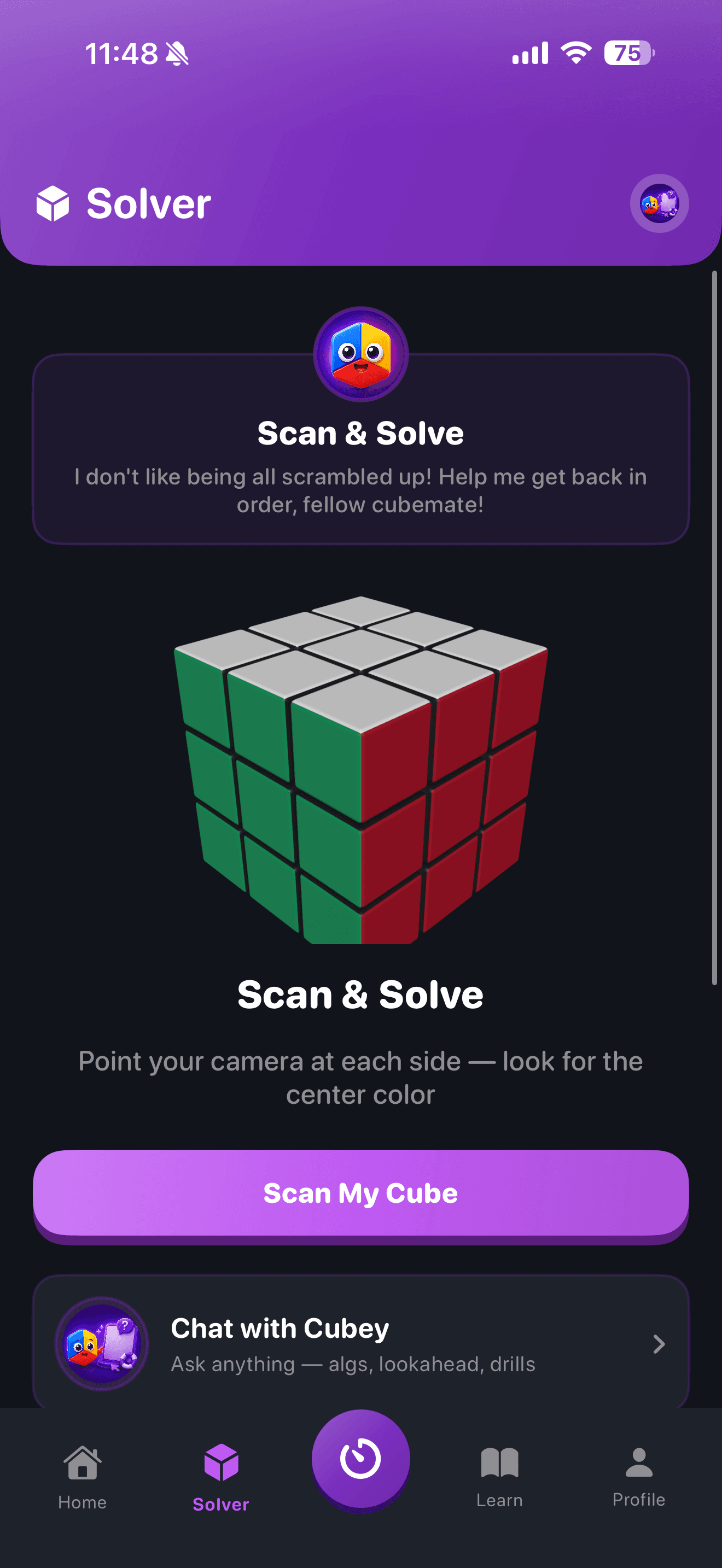
CuberPal includes a full camera cube solver alongside its timer and lessons — solve the cube in front of you, then learn to never need it again:
- Open the Solver tab and start a guided scan: the app walks you face by face ("Face 2 of 6") with on-screen framing.
- Computer vision detects the sticker colors; tap any square to correct it with the color picker if lighting fooled the camera.
- Get a step-by-step solution and follow it move by move until the cube is solved.
- Ready to learn it yourself? Jump into the Beginner Method course in the Learn tab — structured lessons from your first white cross to a full solve.
- Once you can solve unaided, start the timer, track your ao5, and begin the CFOP journey.
Turn this into practice
Use CuberPal to connect these steps to solve analysis, focused drills, lessons, and spaced repetition.
Frequently asked questions
Can I solve my cube without knowing notation?
Yes. A camera solver shows each turn visually, so you follow pictures rather than notation. That said, cube notation (R, U, F and friends) takes ten minutes to learn and unlocks every tutorial on the internet.
What if the app detects my cube colors wrong?
Scan in even lighting and avoid direct glare. CuberPal shows the detected grid after each face and lets you tap any sticker to fix it with a color picker before solving — so a misread never produces a wrong solution.
Does the cube solver work on any scramble?
Yes — any valid 3x3 state, no matter how scrambled. If a scan produces an impossible state (usually from twisted corners on a tampered cube), the app flags it instead of generating a broken solution.
Sources and fact checks
- [1]Rubik's official 3x3 solution guide — Official beginner reference for solving a 3x3 cube step by step.
- [2]Apple App Store: Cubing Timer & Coach: CuberPal — Current product listing for CuberPal timer, analysis, coaching, algorithm practice, and cube-solver capabilities.
- [3]CuberPal product overview — Current product overview and repository-backed screenshots for the CuberPal workflows described in this guide.