
The Best Rubik's Cube Solver Apps: Scan, Solve and Learn
Quick answer
To scan a scrambled 3×3 and learn as you solve, pick CuberPal (our app; its camera solver works on iPhone and Android and handles the 3×3 only); for many puzzle types, Cube Solver 3D on iPhone or ASolver on Android and iPhone; and on Android, CubeX for a 3×3 solver that follows the CFOP method. We make CuberPal, so every competitor detail here comes from that app's own listing or site.
On this pageHow we compared the solvers
- How we compared the solvers
- CuberPal: best for scanning a 3×3 and then learning it
- Cube Solver 3D: best for many puzzles on iPhone
- ASolver: best for odd puzzles and fixing a misassembled cube
- CubeX: best 3×3 solver on Android
- CubeSolver AI: best guided camera scan for 2×2 to 4×4
- RGB Cube Solver & Timer: best for bigger cubes plus a race timer
- 21Moves: best for spotting a missing or misplaced piece
- Solviks: best for solver plus tutorials in one subscription
- Which solver app should you pick?
To scan a scrambled 3×3 and learn as you solve, pick CuberPal (our app; its camera solver works on iPhone and Android and handles the 3×3 only); for many puzzle types, Cube Solver 3D on iPhone or ASolver on Android and iPhone; and on Android, CubeX for a 3×3 solver that follows the CFOP method. We make CuberPal, a cube timer and AI speedcubing coach for iPhone and Android. Read our card with that in mind.
Our limits first: CuberPal's solver is for the 3×3 only. If you need to solve a 4×4, a Megaminx or a Pyraminx you can't undo, the multi-puzzle apps below are a better fit.
Every competitor detail comes from that app's own store listing or official site, checked on November 9, 2026. We don't repeat ratings, user counts or move-count promises, and we don't quote prices. If a listing changes, the listing wins.
How we compared the solvers
A solver app has one job: read your cube correctly and give you moves you can follow. We checked the same points for every app, in the same order:
- Platforms: where the app runs, as listed.
- Input method: camera scan, manual colors, or both.
- Puzzles supported: as listed.
- Solution style: step-by-step, 3D playback or a move list.
- Teaches the method: whether the listing describes lessons or tutorials, not only solutions.
- Price model: how the listing describes paying, without quoting prices.
- Last listing update: the most recent update shown on the listing.
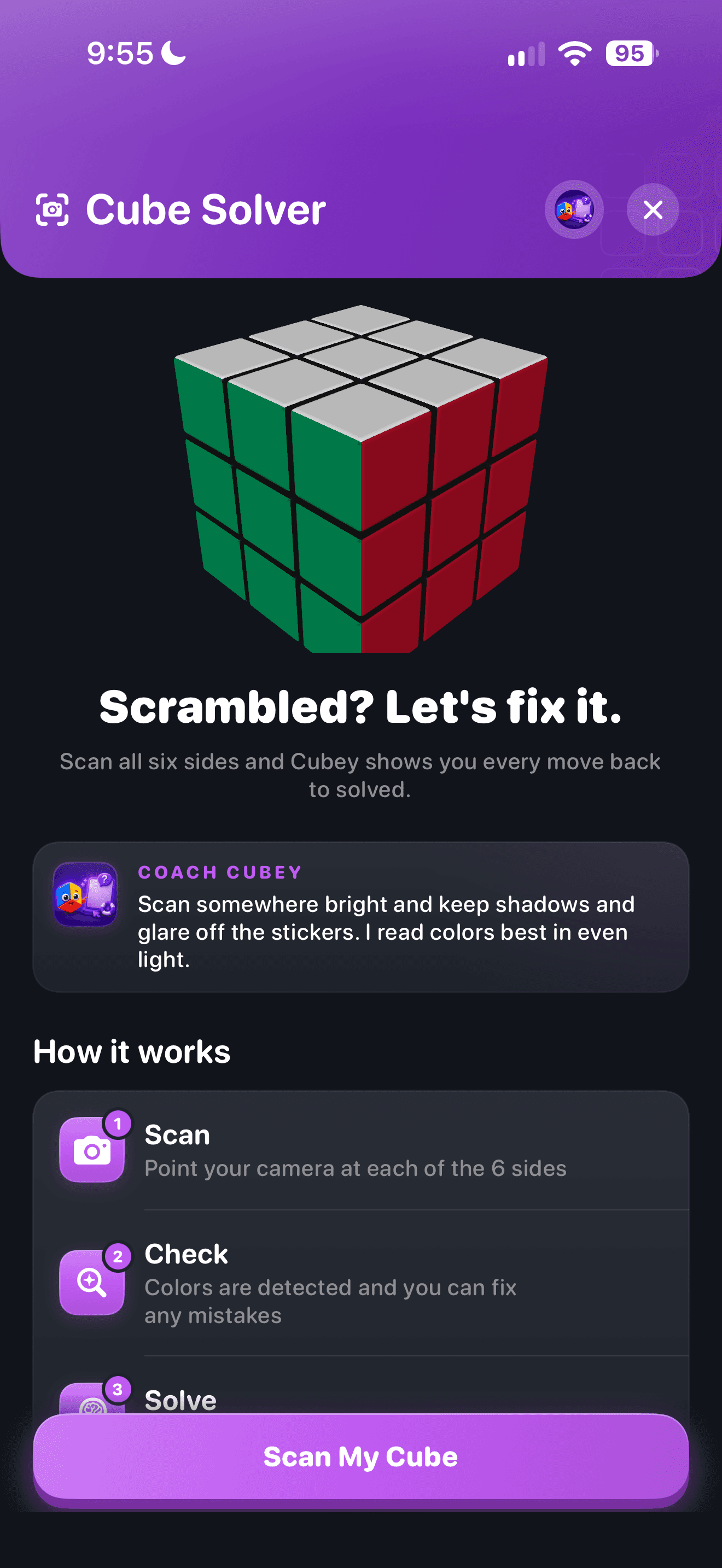
Want the background first? Here is how a camera cube solver works, from the guided scan to the solution.
CuberPal: best for scanning a 3×3 and then learning it
CuberPal pairs a 3×3 camera solver with guided lessons, so the solver gets you unstuck and the lessons help you need it less.
- Platforms: iPhone and iPad on the App Store, and Android on Google Play. The camera solver is on both: each listing says you can "scan any scrambled 3×3 with your camera and follow a step-by-step solution."
- Input method: camera scan.
- Puzzles supported: the 3×3 for the solver; lessons also cover Pyraminx, Skewb, Square-1 and Megaminx.
- Solution style: step-by-step solution you follow on your cube.
- Teaches the method: yes; step-by-step guided lessons teach the 3×3 from scratch, with a path to a full CFOP solve.
- Price model: free to download, and the cube timer is free, according to the Google Play listing and cuberpal.com; CuberPal Premium unlocks AI coaching, training and competition features, and plans and prices are shown before purchase.
- Last listing update: November 6, 2026 (App Store) and November 5, 2026 (Google Play).
The app is also a timer and coach, so once you can solve, you can time solves and get feedback on recorded 3×3 solves in the same place. Our CuberPal vs Cube Solver 3D comparison covers the two side by side.
Cube Solver 3D: best for many puzzles on iPhone
Cube Solver 3D solves a long list of puzzles after you enter the colors.
- Platforms: iPhone and iPad (App Store listing).
- Input method: manual; the listing asks you to "simply describe your puzzle".
- Puzzles supported: the 2×2 family (Pocket, Mirror and Tower Cube), 3×3, 4×4, 5×5, Skewb, Skewb Diamond, Pyraminx, Ivy Cube, Kilominx and Gear Cube.
- Solution style: 3D, step by step.
- Teaches the method: yes; the listing describes step-by-step lessons for learning to solve from scratch.
- Price model: in-app purchases, and the listing notes it contains ads.
- Last listing update: October 6, 2026.
It also has a speedcubing mode with random scrambles, a timer and statistics, plus pattern tools and a colorblind-friendly design.
ASolver: best for odd puzzles and fixing a misassembled cube
ASolver covers the widest range of puzzles here and can deal with a cube that was put back together wrong.
- Platforms: Android (Google Play listing) and iPhone (App Store listing).
- Input method: camera recognition, with a manual mode when glare or poor lighting gets in the way.
- Puzzles supported: 2×2 to 6×6 cubes, Pyraminx, Megaminx, Void Cube, Skewb, 1×2×3, 2×3×3 Domino, Ivy Cube, Kilominx, Dino Cube and 2×2×3 Tower, among others.
- Solution style: an interactive model or a list of moves.
- Teaches the method: not described; it's built to solve and to fix incorrectly reassembled puzzles.
- Price model: in-app purchases; the Google Play listing notes it contains ads.
- Last listing update: October 5, 2025 (App Store) and October 1, 2025 (Google Play).
Choose it if you have an unusual puzzle, or a cube that seems impossible because someone reassembled it.
CubeX: best 3×3 solver on Android
CubeX is a 3×3 solver for Android with two solving modes.
- Platforms: Android, with Windows also shown on its Google Play listing.
- Input method: camera scan or manual entry.
- Puzzles supported: the 3×3.
- Solution style: a Fridrich Solver that uses the Fridrich (CFOP) method, and an Advanced Solver based on Herbert Kociemba's Two-Phase Algorithm for short solutions.
- Teaches the method: partly; the Fridrich Solver follows the CFOP method, and a virtual cube lets you practice algorithms.
- Price model: contains ads, with in-app purchases.
- Last listing update: October 30, 2026.
The listing says it works offline and also includes a pattern solver and a solve timer.
CubeSolver AI: best guided camera scan for 2×2 to 4×4
CubeSolver AI focuses on recognizing the cube for you.
- Platforms: iPhone and iPad (App Store listing), and Android according to its official site.
- Input method: camera scan with automatic color detection, or a manual color picker.
- Puzzles supported: 2×2, 3×3 and 4×4.
- Solution style: step-by-step 3D animation.
- Teaches the method: tutorials live on its YouTube channel rather than in the app, per the listing.
- Price model: in-app purchases, and the listing notes it contains ads.
- Last listing update: September 9, 2026.
RGB Cube Solver & Timer: best for bigger cubes plus a race timer
- Platforms: iPhone (App Store listing).
- Input method: manual input or camera input.
- Puzzles supported: 2×2, 3×3, 4×4, 5×5 and 6×6.
- Solution style: step-by-step guidance.
- Teaches the method: not described beyond the step-by-step solution.
- Price model: in-app purchases, including subscriptions.
- Last listing update: November 5, 2026.
It also has a solve timer and a one vs one timer for racing a friend.
21Moves: best for spotting a missing or misplaced piece
- Platforms: iPhone and iPad (App Store listing).
- Input method: 3D camera scan, or a blank template you fill in by hand.
- Puzzles supported: the 3×3 Rubik's Cube.
- Solution style: visual step-by-step instructions.
- Teaches the method: not described; the focus is solving your current state.
- Price model: in-app purchases.
- Last listing update: January 14, 2025.
The listing says it recommends fixes if a piece is missing or placed incorrectly.
Solviks: best for solver plus tutorials in one subscription
- Platforms: iPhone and iPad (App Store listing).
- Input method: enter colors on a 3D virtual cube, or scan with your camera.
- Puzzles supported: 2×2, 3×3 and 4×4.
- Solution style: an animation of the move sequence.
- Teaches the method: yes; tutorials for 2×2, 3×3 and 4×4 with explanations, images and animations.
- Price model: the listing says a subscription is required to use the app.
- Last listing update: September 28, 2026.
Which solver app should you pick?
- You have a 3×3 and want to learn to solve it yourself: CuberPal.
- You have several different puzzles and an iPhone: Cube Solver 3D.
- You have an unusual puzzle or a misassembled cube: ASolver.
- You're on Android and want a 3×3 solver with a CFOP mode: CubeX.
- You want automatic color detection on 2×2 to 4×4: CubeSolver AI.
- You want tutorials built into the app for 2×2 to 4×4: Solviks.
A solver is a great way to get unstuck, but the satisfaction comes from solving it yourself. When you're ready, follow our guide on how to solve a Rubik's Cube, or browse apps to learn your first solve.
Turn this into practice
Use CuberPal to connect these steps to solve analysis, focused drills, lessons, and spaced repetition.
Frequently asked questions
What is the best free Rubik's Cube solver app?
Every app on this list is free to download, but most have in-app purchases or ads, so check each listing for what's included. CubeX's Google Play listing says it works offline and for free, with ads. Solviks is the exception to plan for: its listing says a subscription is required to use the app. For learning, CuberPal's 3×3 scan and lessons are in the same app.
Can an app solve a Rubik's Cube from a photo?
Yes. CuberPal, ASolver, CubeX, CubeSolver AI, RGB Cube Solver & Timer, 21Moves and Solviks all list a camera scan. You show the camera each face of the cube, check the colors, and then follow the solution. Cube Solver 3D uses manual color entry instead.
Is using a solver cheating?
Not when you're learning or fixing a scrambled cube at home. A solver is a tool to get unstuck. You can't use one in a competition, and you'll get more out of it if you pair it with lessons so you need it less over time.
Which solver app teaches you to solve it yourself?
CuberPal pairs its 3×3 solver with guided lessons, Cube Solver 3D lists step-by-step lessons, and Solviks includes tutorials for 2×2, 3×3 and 4×4. CubeX's Fridrich Solver follows the Fridrich (CFOP) method.
Does CuberPal's solver work on Android?
Yes. CuberPal's camera solver works on iPhone and Android: both the App Store and Google Play listings include scanning a scrambled 3×3 with your camera and following a step-by-step solution. The solver is for the 3×3 only.
Sources and fact checks
- [1]Cubing Timer & Coach: CuberPal on the App Store — "Scan any scrambled 3×3 with your camera and follow a step-by-step solution"; lessons; Premium. Checked 2026-11-09.
- [2]CuberPal on Google Play — Same camera solver on Android; "The cube timer is free." Checked 2026-11-09.
- [3]Cube Solver 3D on the App Store — Manual color entry, multi-puzzle solutions, lessons. Checked 2026-11-09.
- [4]ASolver on Google Play — Camera + manual input, 2×2–6×6, Megaminx, Pyraminx, Skewb and more; fixes misassembled puzzles. Checked 2026-11-09.
- [5]ASolver on the App Store — iPhone version. Checked 2026-11-09.
- [6]CubeSolver AI mobile apps — 2×2/3×3/4×4, scan or manual; Android availability. Checked 2026-11-09.
- [7]CubeSolver AI on the App Store — iPhone/iPad listing. Checked 2026-11-09.
- [8]RGB Cube Solver & Timer on the App Store — Bigger cubes plus a race timer. Checked 2026-11-09.
- [9]21Moves on the App Store — Spots missing or misplaced pieces. Checked 2026-11-09.
- [10]Solviks on the App Store — Subscription required; tutorials. Checked 2026-11-09.
- [11]CubeX on Google Play — Camera or manual, Fridrich (CFOP) and advanced solver, offline and free with ads. Checked 2026-11-09.