
How to Calculate TPS in Cubing
Quick answer
To calculate turns per second (TPS), divide the moves in a solve or algorithm by the execution time in seconds: TPS = moves ÷ seconds. Use one move-count convention consistently, measure the same phase or algorithm each time, and separate turning speed from recognition pauses. A higher TPS is useful only when it improves a complete, accurate solve.
On this pageChoose a move-count convention first
TPS means turns per second. The basic calculation is simple: divide the moves you executed by the time in seconds. If an algorithm has 12 moves and takes 2 seconds, its measured speed is 6 TPS. The hard part is making comparisons that mean something. A number from one lucky algorithm or an entire solve with long pauses does not diagnose the same skill.
Choose a move-count convention first
Count moves consistently before comparing results. Most cubing discussions use a defined metric such as face-turn metric or slice-turn metric, and a wide move or rotation may be treated differently depending on the tool. You do not need the perfect universal metric for personal practice; you need the same one for both measurements. Write down the convention when you compare algorithms or review an old average.
Measure one skill at a time
For execution TPS, time a known algorithm from the first turn to the last and exclude recognition. For solve TPS, include everything from the start to the solved state, including pauses and adjustments. Both are useful, but they answer different questions. Fast execution TPS with slow solve TPS points toward recognition or lookahead. Similar numbers often mean execution itself is the current limit.
A worked example
Suppose a 15-move PLL takes 1.5 seconds after you already know the case. Divide 15 by 1.5: that is 10 TPS for execution. If the same last layer takes 3 seconds in a normal solve because you paused to recognize it, the end-to-end rate is 5 TPS. The first number can improve with fingertricks and cube control; the second needs recognition or transition practice as well.
Why whole-solve TPS can mislead
A lower-move solution can show a lower TPS while still finishing faster. Likewise, frantic turning can increase TPS while creating lockups, missed pieces, or an extra rotation. Use final solve time, accuracy, and pause locations alongside TPS. The metric is a clue about execution density, not a score for who turns the cube most aggressively.
A better weekly TPS check
Pick one repeatable algorithm and record ten clean executions on two different days. Keep the same starting grip, move-count convention, and timing method. Use the median or a small average instead of a personal-best spike. Then compare that execution number with a solve recording: if the algorithm is fast alone but slow after OLL or F2L, practice the transition instead of forcing faster turns.
Turn the number into a practice choice
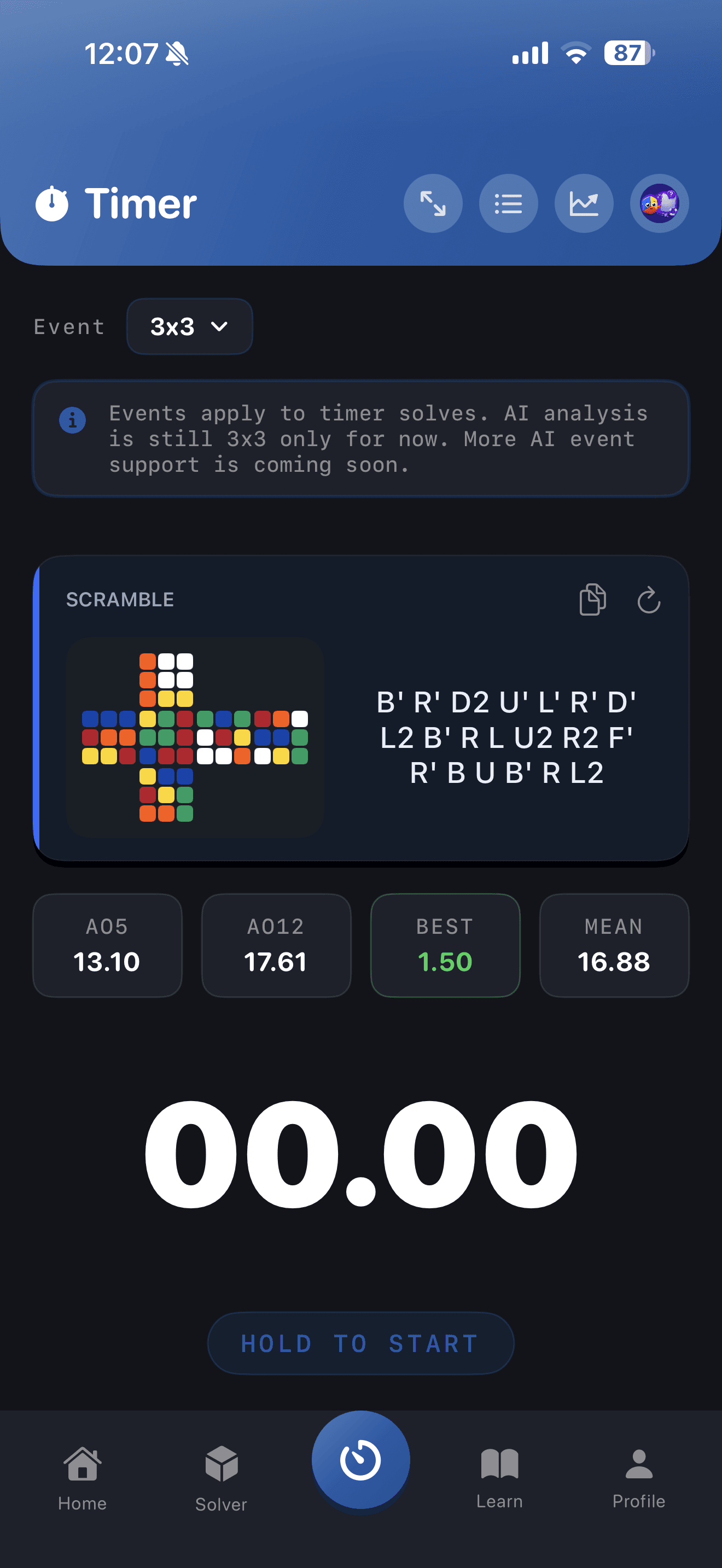
Use a timer and solve review to locate the phase that actually loses time. Improve grip or fingertricks when execution is rough; do recognition-only reps when you stall before the first turn; and slow down to preserve lookahead when F2L TPS rises but pauses multiply. CuberPal timing and performance views can help you keep a comparable record, but the useful action is always specific: fix one execution or recognition constraint before measuring again.
Continue the learning path
Get faster at 3x3
Measure one solve, identify the slowest phase, and train that skill before chasing raw TPS.
Open this topic clusterTurn this into practice
CuberPal combines a WCA-style timer, AI solve analysis, CFOP lessons, algorithm catalogues, spaced repetition, and a camera cube solver so speedcubing advice becomes a daily training loop.
Frequently asked questions
What is a good TPS for a 3x3 solve?
There is no single good TPS because move count, pauses, method, and phase matter. Compare your own repeated executions or solve segments instead of treating one whole-solve number as a universal ranking.
Should I count cube rotations in TPS?
Use the convention chosen by your timer or analysis tool and keep it consistent. Rotations may affect flow even when your metric does not count them as ordinary turns, so also note unnecessary rotations separately.
Sources and fact checks
- [1]Turns Per Second Calculator — Supports the turns-per-second formula as turns or moves divided by time in seconds.
- [2]CuberPal solve analysis guide — Supports using phase-level review to identify the skill that is slowing a solve rather than relying only on total time.