
4x4 OLL Parity: How to Recognize and Fix a Flipped Edge
Quick answer
4x4 OLL parity is the last-layer case where one apparent edge is flipped after reduction, a state that cannot occur on a normal 3x3. Put that edge in the front/top position, use one verified wide-move sequence deliberately, then continue solving the reduced cube like a 3x3.
On this pageRecognize the case before trying to fix it
Recognize the case before trying to fix it
OLL parity on a 4x4 appears after you have reduced the puzzle: the centers are built, matching edge pieces are paired, and you are solving the result with ordinary outer-layer 3x3 moves. The warning sign is one apparent flipped edge in the last layer. On a standard 3x3, that position is impossible, which is why trying to force it through a normal 3x3 last-layer routine feels confusing. It is not evidence that you need to undo the whole solve. It is a known 4x4 parity case caused by the extra piece structure that reduction temporarily hides. Pause when you see it instead of immediately turning. Confirm that the odd-looking piece is an edge pair rather than an unsolved pair from edge pairing, and confirm that you are looking at the final 3x3-style stage. That short check keeps a parity fix from becoming an unnecessary reconstruction. It also gives you a simple recognition habit: one flipped-looking edge after reduction means OLL parity; a last layer with pieces swapped in a way a 3x3 cannot have is a different issue called PLL parity. Naming the case first makes the next move intentional.
Set the flipped edge in the front/top position
Once you have identified OLL parity, rotate the whole cube so the flipped-looking edge pair is at the front of the top layer. This setup matters because the sequence is written for that position; changing the grip midway through makes it much harder to tell whether the result is correct. Take a moment to read the notation before starting. In 4x4 notation, Rw and Lw are wide turns that move two layers together, unlike a single outer-face R or L turn. The algorithm also includes an x rotation, so treat it as part of the sequence rather than an optional regrip. If you are new to wide moves, rehearse them on a solved or nearly solved cube first. The goal is not to turn fast. The goal is to finish each U2 and wide turn cleanly enough that you can stay oriented. A useful practice cue is to say the setup out loud: flipped edge at front/top, hands ready, then begin. That habit prevents a common error: applying a memorized algorithm with the case somewhere else and assuming the algorithm failed. It did not fail; the setup changed the result. Keep the same cube orientation until the entire sequence is complete.
Use one verified OLL-parity sequence
With the flipped edge at the front/top, use this OLL-parity sequence: Rw U2 x Rw U2 Rw U2 Rw' U2 Lw U2 Rw' U2 Rw U2 Rw' U2 Rw'. Both cited 4x4 instructional sources give this sequence for OLL parity. Break it into reliable chunks while learning rather than trying to race through a long string. For example, first practise the opening Rw U2 x, then add the next two Rw U2 groups, and only then join the full sequence. Keep each wide turn as a two-layer turn; accidentally using a single-layer R changes the case instead of fixing it. When you finish, inspect the top edge again before continuing. The apparent flipped edge should no longer be the impossible 3x3-style position, so you can resume your normal last-layer process. If the cube looks more scrambled than expected, stop and check the two most likely causes before doing anything else: the original flipped edge was not at the front/top, or one of the wide turns became a single-layer turn. Repeating the same algorithm faster does not diagnose either problem. Reset the setup and execute it cleanly instead.
Return to the 3x3 stage without changing your plan
The purpose of the parity sequence is to restore a last-layer state that can be handled like a 3x3, not to solve the entire cube for you. After the check, continue with the same 3x3 last-layer approach you were already using. Avoid adding a new OLL or PLL method in the same practice session just because parity interrupted one solve. That creates two variables at once: you cannot tell whether a later delay came from parity recognition, wide-move execution, or an unfamiliar last-layer algorithm. Treat OLL parity as a prepared interruption with a fixed response. In a full solve, recognize it, set it up, execute the sequence, finish the 3x3 stage, and make one brief note about the result. Was recognition slow? Was the setup wrong? Did a wide turn lock or overshoot? Those are separate problems with different drills. This distinction matters more than the time added by one parity case. A clean recovery gives you confidence that the rest of the solve still has useful information. A rushed recovery often creates a second mistake, which makes it impossible to see what actually cost time. Once the sequence is dependable, put most of your 4x4 practice attention back on the phase that occurs in every solve, such as centers or edge pairing.
Practice OLL parity as a small, measurable skill
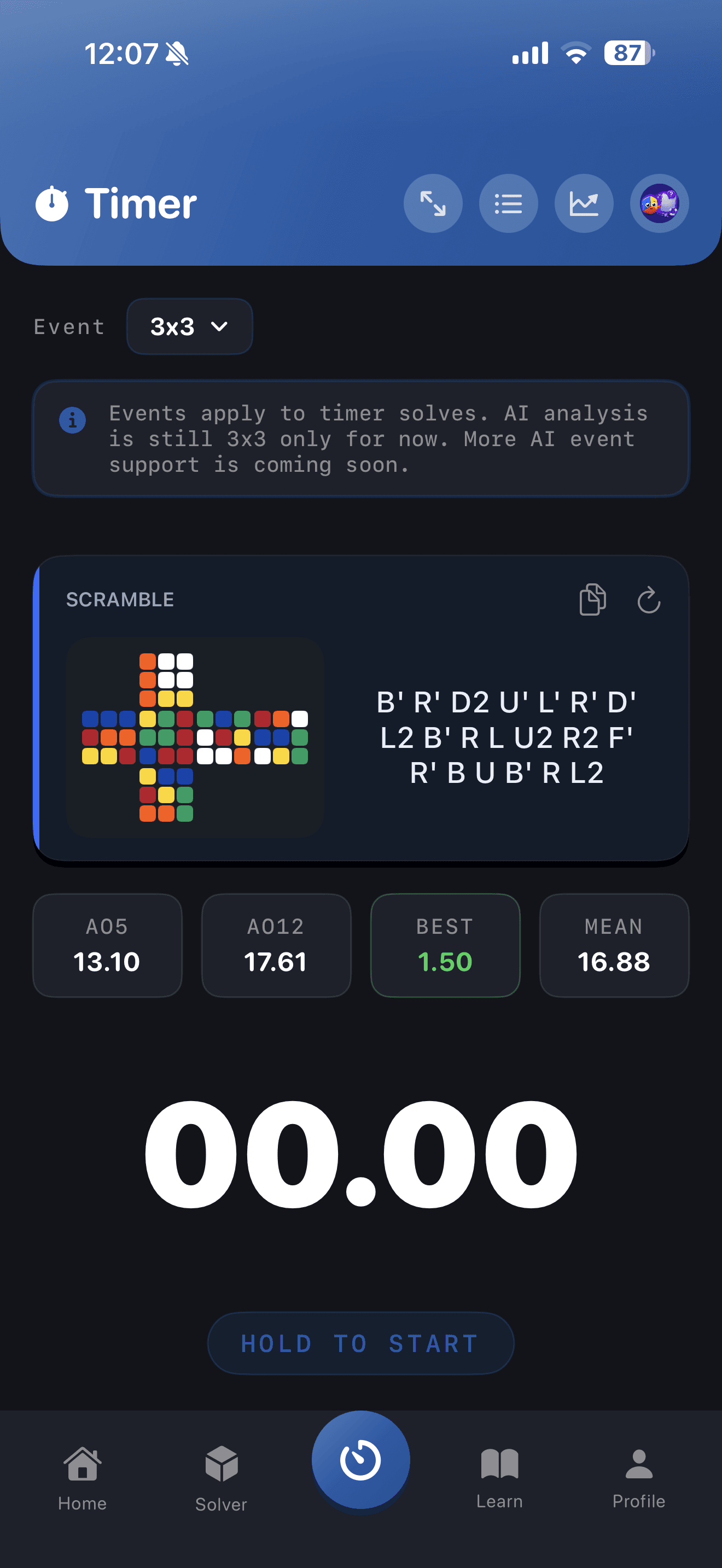
Build reliability away from the pressure of a personal-best attempt. Start with three deliberate repetitions: set up the same OLL-parity case, say where the flipped edge belongs, and execute the sequence slowly enough to inspect every wide turn. Then do three more repetitions without reading the moves. If an attempt fails, do not count it as a speed problem; identify whether recognition, setup, notation, or turning accuracy caused it. Finish with a small set of ordinary 4x4 solves and record how often parity appeared and whether you recovered without an extra error. The official CuberPal App Store listing says its timer supports 4x4, event-specific history and statistics, and event-aware scrambles, so its timer screen is a fitting way to keep those 4x4 notes separate from 3x3 sessions. The screenshot below is that timer context, not proof that an app can replace learning the sequence. The useful result is a note you can act on next time: for example, “I recognized OLL parity but needed to slow down after x,” or “I mistook PLL parity for a flipped edge.” When those notes become boring because the response is automatic, return to broader 4x4 drills. Parity is then a routine interruption rather than a reason to abandon a solve.
Continue the learning path
Beyond 3x3
Pick one event that feels fun enough to practice consistently.
Open this topic clusterTurn this into practice
CuberPal combines a WCA-style timer, AI solve analysis, CFOP lessons, algorithm catalogues, spaced repetition, and a camera cube solver so speedcubing advice becomes a daily training loop.
Frequently asked questions
Is 4x4 OLL parity the same as PLL parity?
No. OLL parity is the one-flipped-edge-style last-layer state after reduction. PLL parity is a different impossible 3x3-style state involving swapped pieces, so it requires a different sequence. Identify the pattern before choosing an algorithm.
Why did the OLL-parity algorithm make my cube look worse?
First check that the flipped-looking edge was at the front/top when you started. Then verify that every Rw or Lw was a two-layer wide turn, not a single outer-layer turn. Reset the case and repeat the verified sequence slowly before trying to turn faster.
Sources and fact checks
- [1]J Perm: How To Solve a 4x4 — Supports the reduction-to-3x3 context, the one-flipped-edge description of OLL parity, the front/top setup, and the complete OLL-parity sequence.
- [2]CubeSkills: Beginner’s Method for Solving the 4x4 Cube — Independently supports wide-turn notation, reduction, OLL parity as an impossible 3x3-style last-layer state, the exact sequence, and the distinction from PLL parity.
- [3]CuberPal on the App Store — Supports the limited product claim that CuberPal has 4x4 timer support, separate event history and statistics, and event-aware scrambles used for the contextual timer image.